A map for every Idealista listing, with your travel times
See what's nearby on any Idealista listing, in Spain, Italy or Portugal, and keep track as you browse results, without a second tab.

Idealista covers Spain, Italy and Portugal from the same search, and the same extension covers all three, idealista.com, idealista.it and idealista.pt, without installing anything separately per country.
An Idealista listing doesn't embed exact coordinates the way some portals do, so ListingMap geocodes the address shown on the page instead, then adds a button that opens a map of the home against your own saved places or any category you tap, with real travel times.
On an Idealista listing
- 1
A button in the same corner, every time
It floats over the listing rather than sitting inline, staying put in the same spot as you scroll down.
- 2
Your places, or gym, supermarket, train
Open it for the home against your saved places, or tap gym, supermarket or train and see the closest ones with a real travel time.
- 3
Full-size, or back to browsing
Send it to its own tab with "Expand ↗", or close the panel and you land right back where you were.
On Idealista's search results
- 1
Nearby on every card
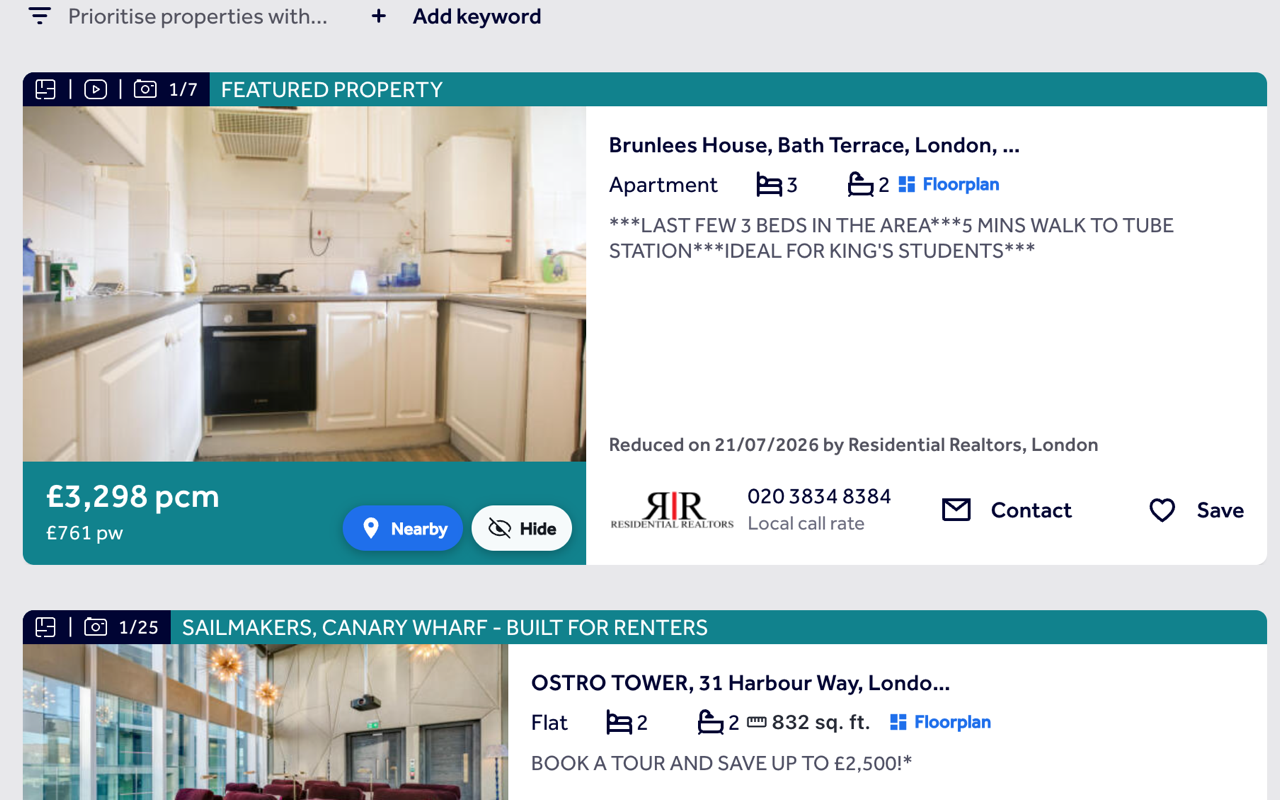
Each result on an Idealista search gets its own Nearby button, using the address shown on the card, since Idealista doesn't embed coordinates there either.
- 2
Hide what's not right
Tap Hide and the card disappears from the results, this search and the next, with a panel to restore anything you've hidden.
- 3
No duplicate size chip
Idealista already shows the floor area on its own cards, so ListingMap doesn't add a second one.
Common questions
Does the same extension work on idealista.it and idealista.pt too?
Yes. One installation covers idealista.com, idealista.it and idealista.pt, with the same button and the same behaviour on all three.
Why does Idealista geocode the address instead of using exact coordinates?
Idealista doesn't embed coordinates on the page the way some portals do, so ListingMap reads the address instead and geocodes it. It's very close, just not pixel-exact.
Do I need to sign in to use it on Idealista?
No, none of it needs an account, Nearby, Hide or travel times. Signing in is only there to sync your saved places and hidden homes if you use more than one device.
Does hiding a home on idealista.com also hide it on idealista.it?
No, each site keeps its own hidden list, since a listing on one Idealista site isn't the same listing ID as on another.
Will it slow down Idealista or change how the page looks?
No, all it adds is a button and, when you open it, a panel over the top. Idealista's own layout is left alone.
Also works on
United Kingdom
United States
Canada
Australia
See what's nearby, every time you open Idealista.
Add it once and it follows you to every Idealista listing and every search, with the same saved places and hidden homes right there on the page.
Install on your browser, free